Choose data points
Define what the machine should send: status, fault, metering, result, sensor, or usage data.
Machine data transmission
Use QuLink when a machine does not only need control, but also needs to send status, telemetry, sensor values, usage logs, fault alerts, or operation results to your cloud.
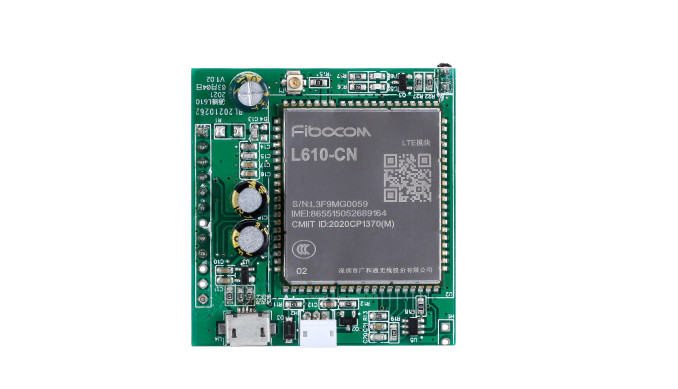
Project fit
Integration model
QuLink reads machine-side signals or protocol data, normalizes them as events, and sends them to your backend for operations, billing, support, or analytics.
Workflow
Define what the machine should send: status, fault, metering, result, sensor, or usage data.
Check whether data comes from GPIO, serial, RS485, MDB, sensors, or a custom controller.
QuLink converts machine signals into webhook events your server can process.
Test online/offline behavior, retries, data format, and fault conditions with real machines.
API example
The exact command fields depend on machine interface, firmware profile, and whether payment or your own app triggers the action.
POST /webhooks/qulink
{
  "event": "telemetry.updated",
  "device_id": "CABINET-31",
  "telemetry": {
    "online": true,
    "temperature_c": 4.8,
    "door_open": false
  }
}
Project RFQ
Send the machine type, data points needed, signal/protocol source, connectivity requirement, and target server workflow.
If you are unsure about the exact interface, send what you have. Photos often answer more than a long spec.
FAQ
Yes. Some projects use QuLink mainly as a data bridge, while others combine data upload with control commands.
Yes, serial, UART, and RS485 projects can be evaluated based on frame format and device behavior.
Yes. Your backend remains the owner of the data workflow; QuLink provides the machine-side bridge and callbacks.
Related use cases