Machine operators
Retrofit existing machines with QR payment, remote start, telemetry, and fault reporting without rebuilding the full cabinet.
Who this helpsฮาร์ดแวร์ควบคุมสำหรับเครื่องอัตโนมัติ
QuLink เปลี่ยนเครื่อง MDB, pulse, relay และ serial ให้เป็นอุปกรณ์ที่เชื่อมต่อ API ได้ ส่ง คำสั่ง เก็บ ข้อมูลเครื่อง และใช้ QuLink QR payment สำหรับ scan-to-start
ส่งรูปเครื่อง รูปบอร์ดปัจจุบัน หรือโมดูล coin/payment เราจะช่วยระบุ interface และแนะนำขั้นตอนทดสอบตัวอย่าง
POST /v1/devices/VM-1049/commands
{
  "command": "trigger_relay",
  "source": "api_or_qr",
  "duration_ms": 800
}
Use case เครื่องยอดนิยม
เลือก use case ที่ใกล้เคียงที่สุด แต่ละคู่มือ (ภาษาอังกฤษ) อธิบาย interface trigger workflow upload data และสิ่งที่ต้องส่งเพื่อทดสอบตัวอย่าง
 Vending QR payment
Scan-to-pay vending พร้อม API vend trigger และ upload ผลลัพธ์
เปิดคู่มือ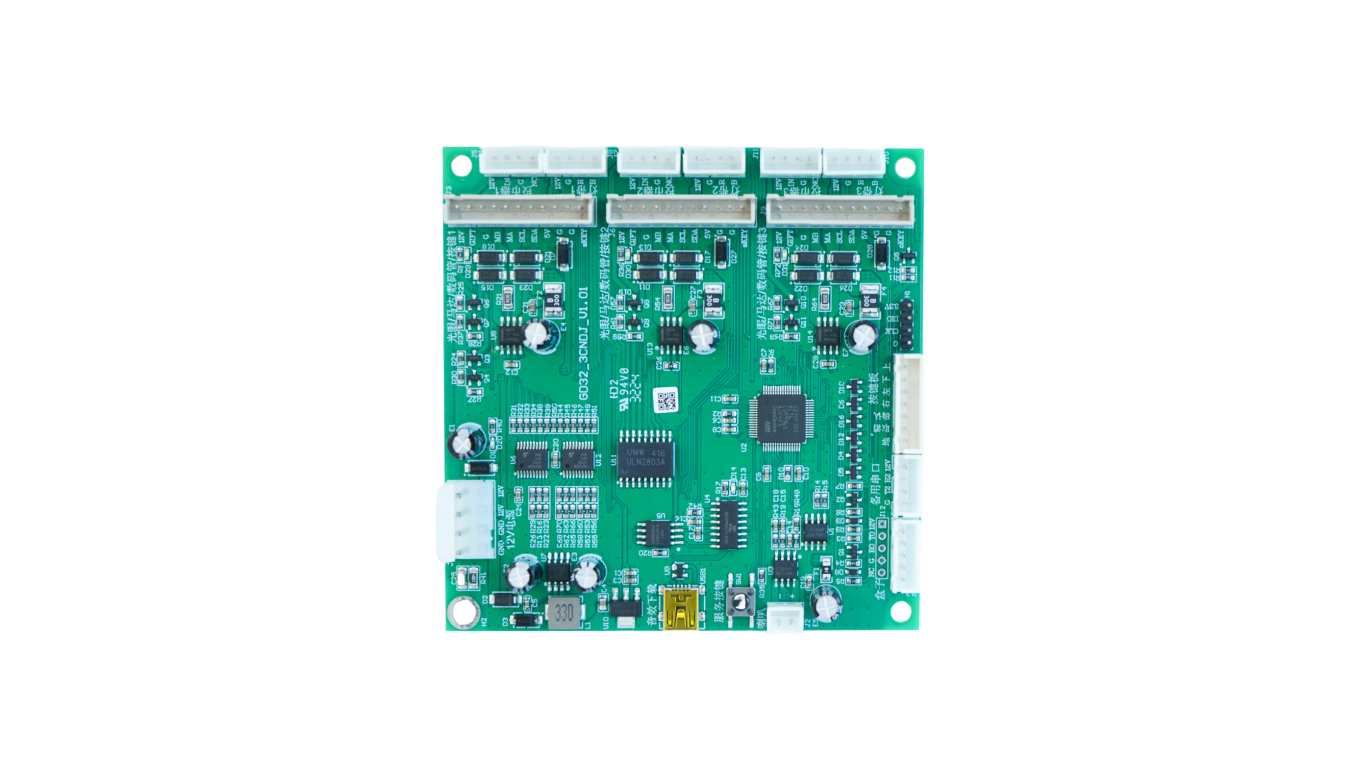 Laundry QR payment
Relay หรือ pulse timed start สำหรับเครื่องซัก/อบ
เปิดคู่มือ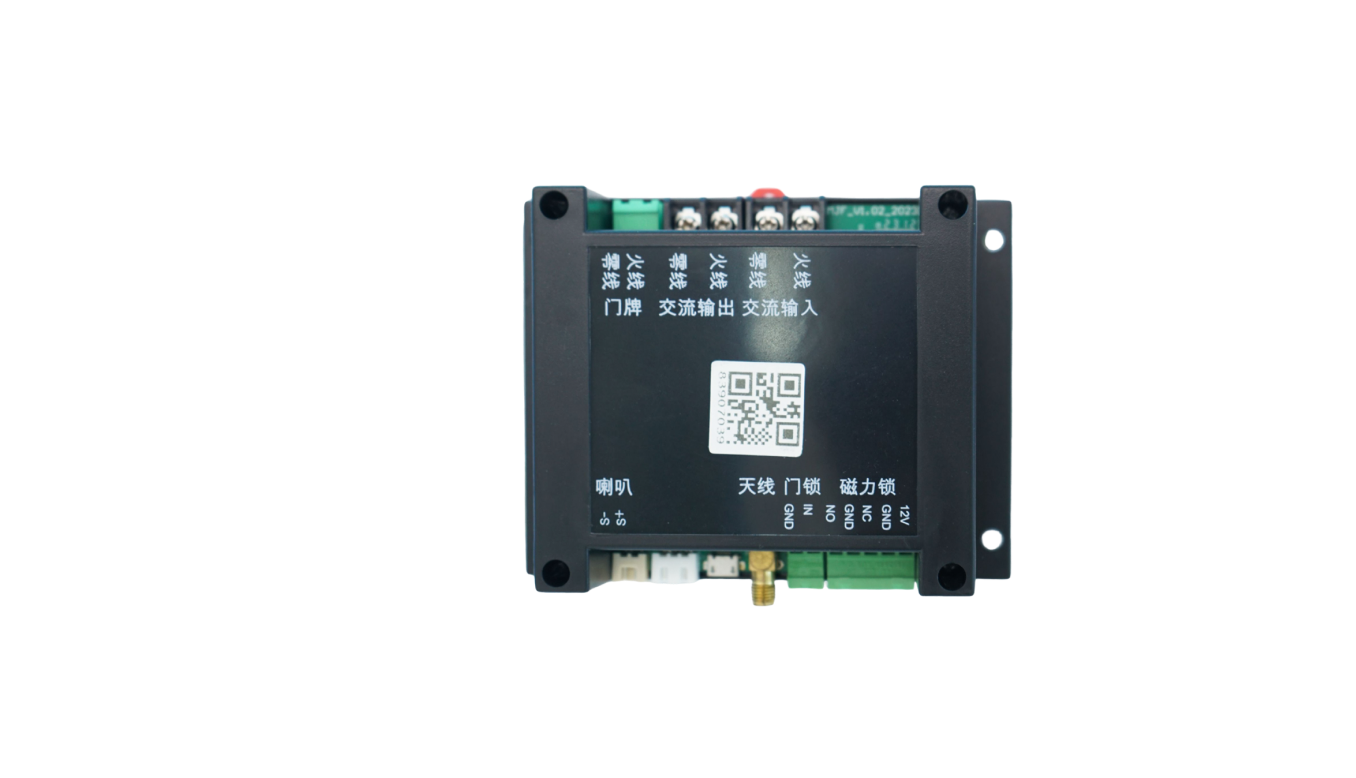 Smart locker unlock
Unlock relay ผ่าน API หรือ QR พร้อม upload สถานะประตู
เปิดคู่มือ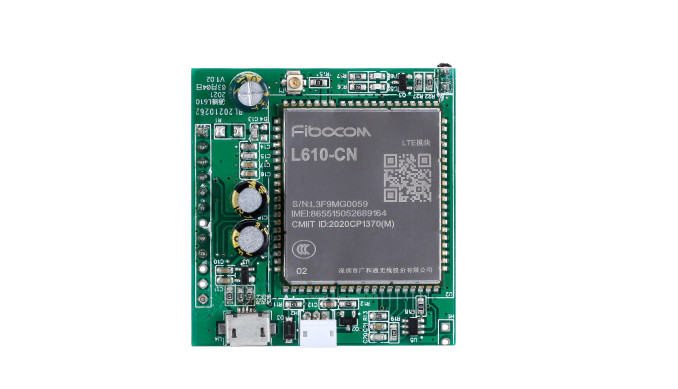 RS485 data upload
Telemetry fault meter และ serial data callback
เปิดคู่มือ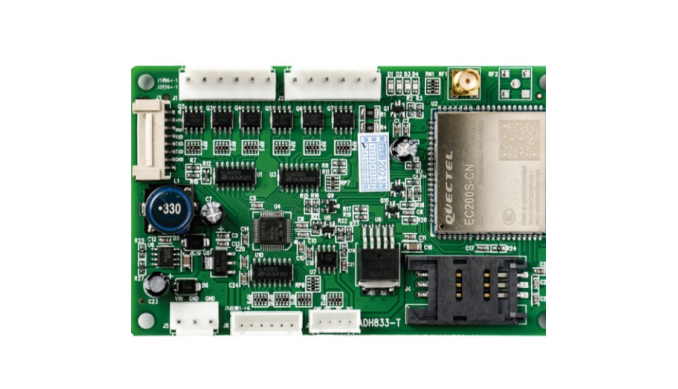 MDB cashless retrofit
เพิ่ม QR หรือ wallet callback ให้ vending MDB ที่มีอยู่
เปิดคู่มือ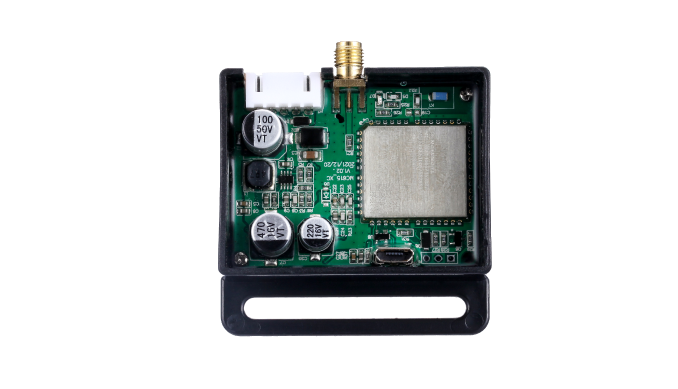 Massage chair payment
Timed scan-to-start session สำหรับเก้าอี้นวด
เปิดคู่มือ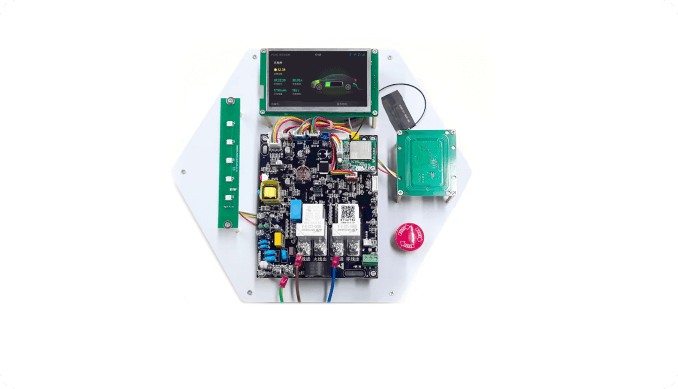 EV charging socket
Timed power session relay control และ usage data
เปิดคู่มือ
Kiddie ride pulse
แทนที่ coin pulse สำหรับเครื่องเล่น
เปิดคู่มือฮาร์ดแวร์ควบคุมอุปกรณ์
Who this helps
QuLink is most useful when software, payment, or operations teams need a physical machine to react reliably after an API command or payment confirmation.
Retrofit existing machines with QR payment, remote start, telemetry, and fault reporting without rebuilding the full cabinet.
Who this helpsKeep the checkout and user flow in your platform; use QuLink for the machine-side trigger and result callback.
Who this helpsUse API commands, webhooks, and board-level interface mapping instead of rebuilding MDB, pulse, relay, or serial behavior.
Who this helpsMove from sample validation to firmware, connector, enclosure, and board customization for repeat deployment.
Who this helpsBoard selection
Most customers do not know the exact board model at first. Send the machine type, interface, wiring photo, or target action; QuLink will map it to a control board and API workflow.
Board examples
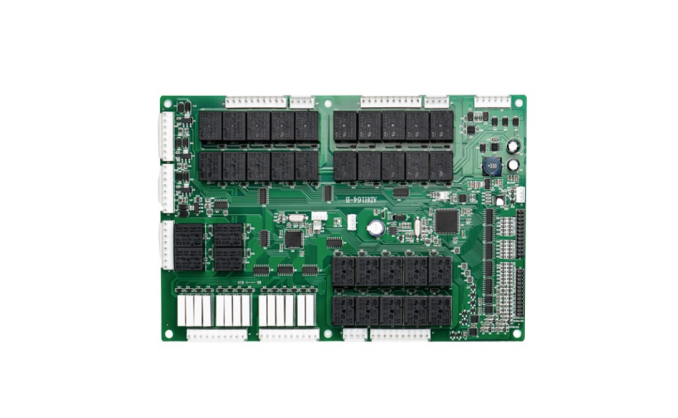
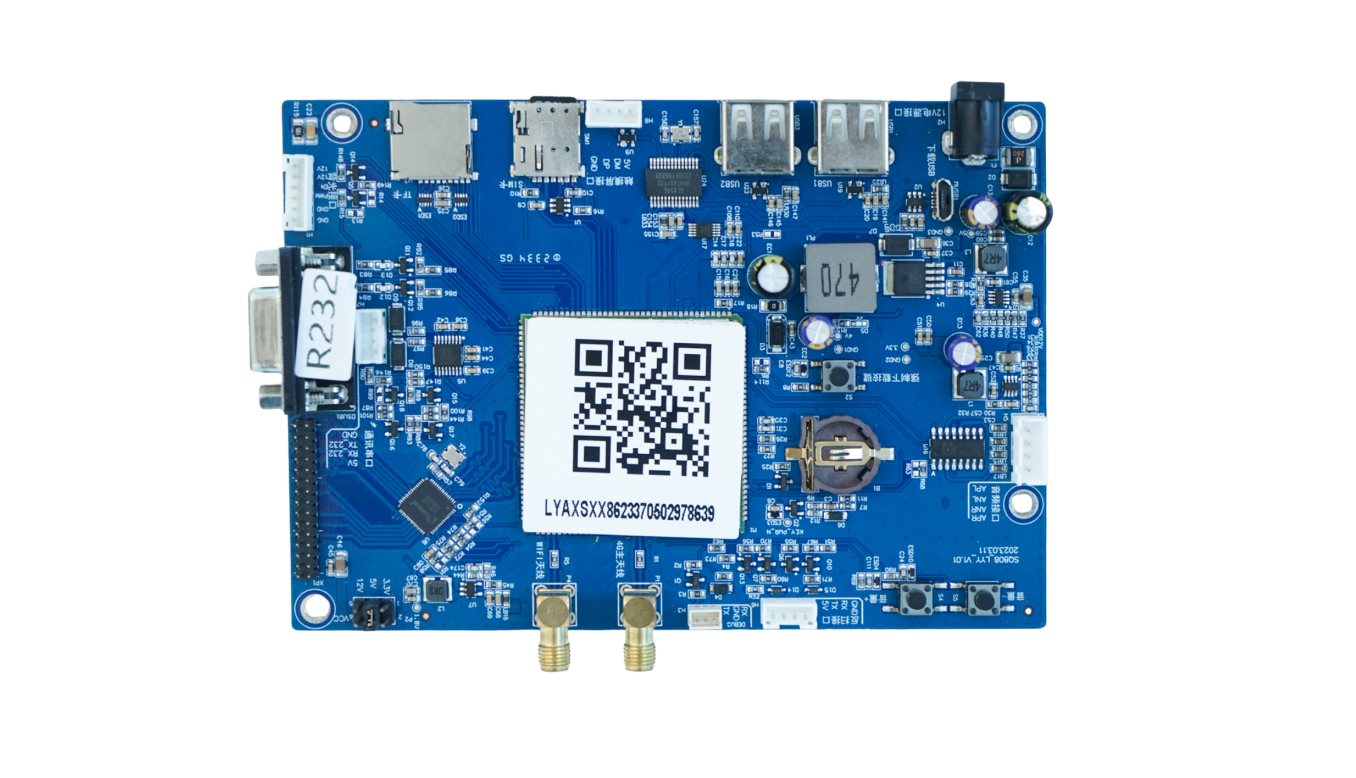
These board examples cover the machine-side jobs customers usually ask about: retail control, PLC vending, lift control, QR/API trigger, 4G data transmission, display/payment terminals, relay control, metering, charging, and lock control.
Vending and smart retail main control, multi-channel I/O, 4G connectivity, telemetry, and remote commands.
PLC vending control, relay outputs, motor/slot control, cabinet wiring, and API-driven operation.
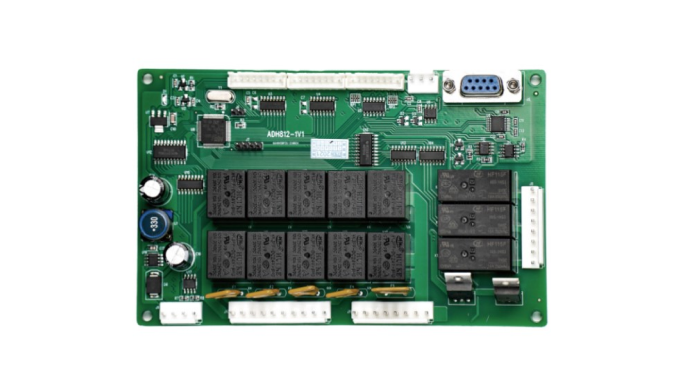
Lift cabinet control, elevator motor coordination, drop detection, serial/MDB integration, and vend result reporting.
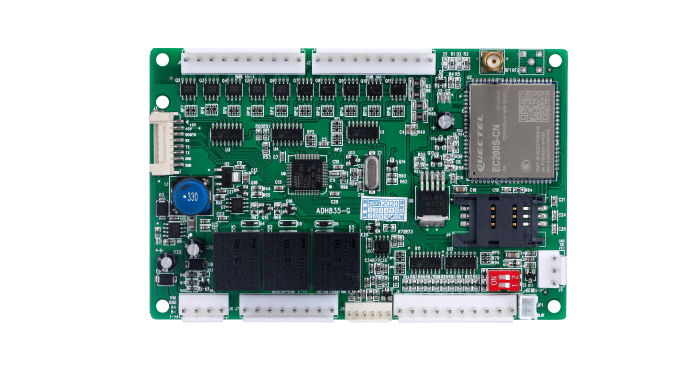
Retail cabinet controller with cellular module, SIM, multi-port wiring, machine status upload, and remote control.
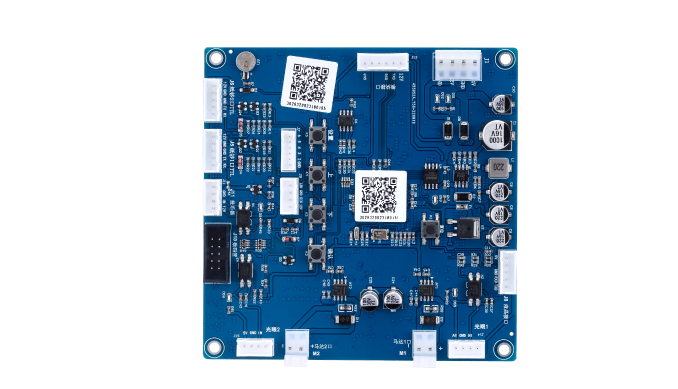
Scan-to-start and API command board for payment callback, relay trigger, timed run, unlock, or dispense actions.
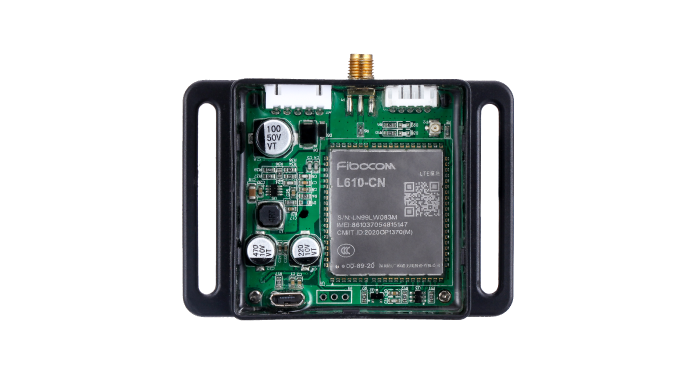
Compact cellular control box for remote equipment connection, data upload, OTA support, and field installation.
Small 4G controller for machine data transmission, remote command, and retrofit integration.
Cellular data module for connecting legacy machines to a server with telemetry and command callbacks.
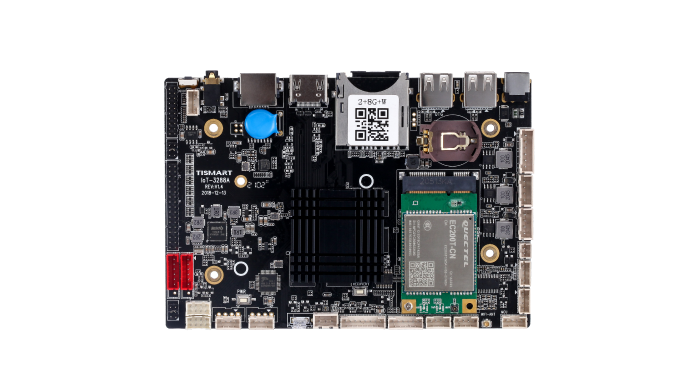
Display or smart cabinet main board for touch screens, QR workflows, media UI, and peripheral connections.
Screen payment terminal board with SIM, USB, serial, audio, and API connectivity for scan-to-start machines.
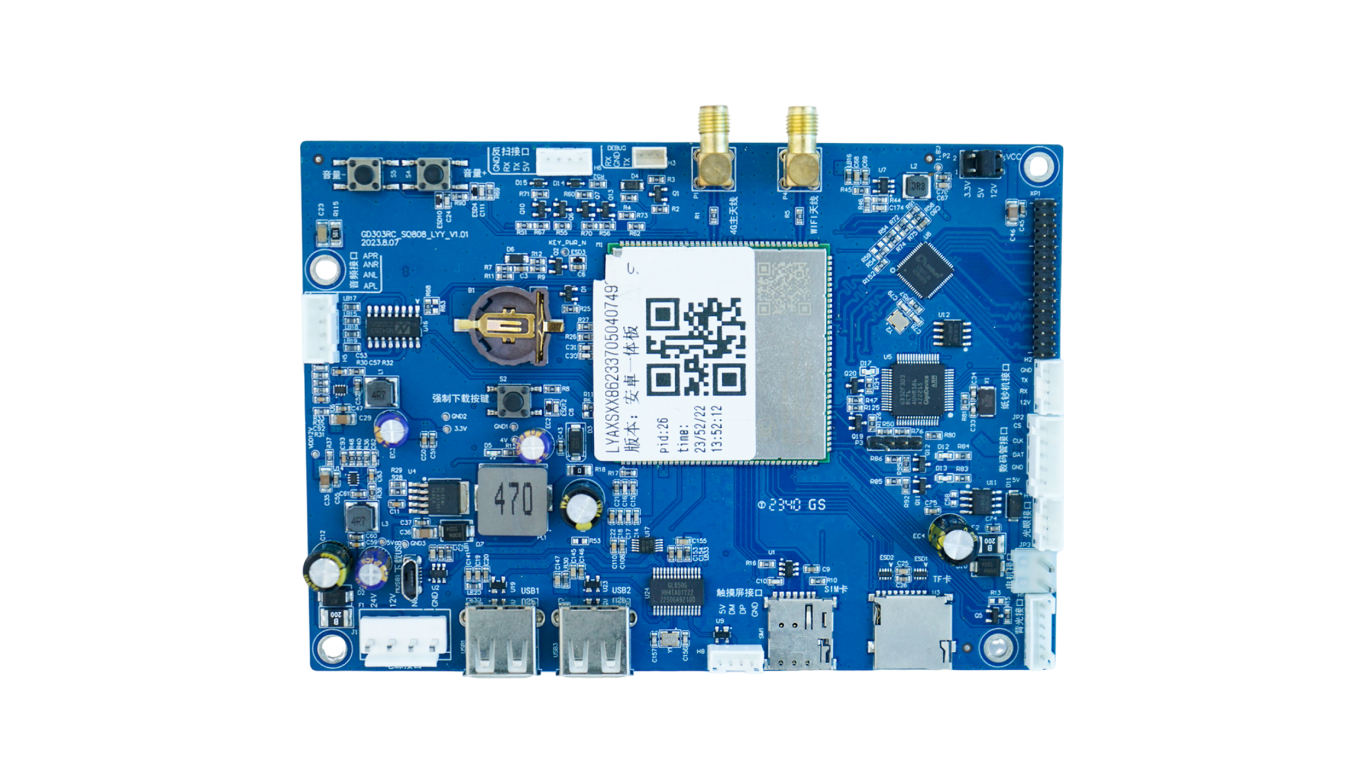
Another display-controller form factor for payment screens, interactive panels, and connected smart devices.
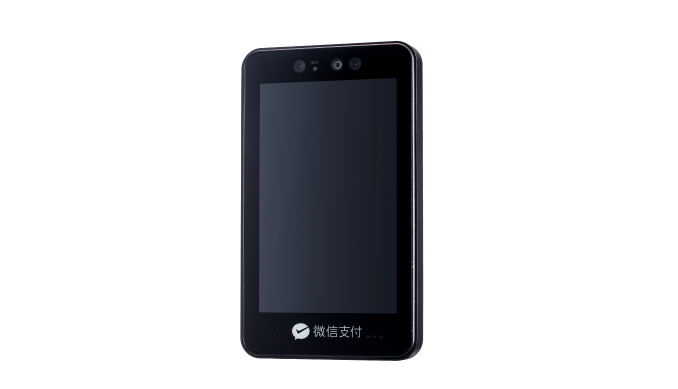
Terminal-style hardware for face recognition, screen payment, wallet login, or identity-based machine start workflows.
Lock, gate, access, room, locker, and timed relay control with QR/API command trigger.
Water, laundry, charging, sensor input, metering, relay output, and equipment-state reporting.
Charging and payment controller kit for display, card/QR module, relay output, and usage session control.
ขอบเขตฮาร์ดแวร์
อ้างอิงจากกลุ่มฮาร์ดแวร์ self-service ที่พบบ่อย QuLink รองรับชั้นบอร์ดควบคุม การเชื่อมต่อ data upload และ payment trigger ส่วน AI vision, RFID parking หรือ controller เฉพาะทางควรประเมินเป็นโครงการ OEM
บอร์ด vending แบบมีจอ/ไม่มีจอ อุปกรณ์ MDB, PLC vending, lift controller, drop sensor และ smart cabinet control
MDB gateway / OEM controller
จอ QR payment, payment box, card terminal และ controller scan-to-start ที่ต้องใช้ payment callback เพื่อสั่งเครื่อง
QR/API trigger board
Kiddie rides, amusement machine, massage chair, laundry, car wash, charging socket, room/table และ timed relay device
Pulse / relay controller
Status, fault alert, usage log, vend result, telemetry, video/result event และ callback data ไปยัง cloud
Machine data bridge
Water control, liquid dispenser, e-bike charging, power metering, time billing และ full-stop charging logic
OEM control board
Face recognition, AI cabinet vision, RFID parking, BLE beacon และ sensing module ขั้นสูง
OEM integrationControl flow
QuLink อยู่ระหว่าง server ของคุณกับ interface ของเครื่อง ระบบส่ง command บอร์ดแปลงเป็น MDB, pulse, relay หรือ serial control แล้วรายงานผลกลับ
เลือกเครื่องด้วย device ID, route, cabinet, slot, relay channel หรือ timed session
Server ส่ง signed command เช่น start_session, trigger_relay, unlock, dispense, stop หรือ query_status
บอร์ด QuLink แปลงคำสั่งเป็น MDB, pulse, relay, serial, unlock หรือ timed-run action
บอร์ดส่ง online status, command result, telemetry, fault alert, vend result หรือ session data กลับไปยัง cloud
QuLink QR payment
QuLink สามารถให้ workflow QR payment เป็นความสามารถเสริม หลัง payment confirmed แล้ว QuLink จะแปลง payment event เป็น machine control command เดียวกัน
สร้าง QR code สำหรับเครื่อง สินค้า price rule relay channel หรือ timed session
ใช้ QuLink QR payment หรือเชื่อม wallet/provider callback ของคุณถ้ามี payment stack อยู่แล้ว
หลังยืนยัน QuLink จะ start, unlock, dispense, pulse หรือ run เครื่อง และรายงานผลกลับ
How projects start
You do not need a perfect technical brief on day one. Share what the machine should do, send, or report; QuLink can help identify the interface and next test step.
Machine model, board photo, wiring photo, coin/payment module, or target action is enough to begin.
We check whether it is MDB, pulse, relay, serial, RS485, QR trigger, data upload, or a custom OEM case.
Connect a sample board, confirm command/API behavior, verify machine action and data callback.
Adjust firmware, connector, enclosure, QR payment, or OEM board design for repeat deployment.
ประเภทเครื่อง
MDB vend, QR vend, telemetry, inventory event, dispense result
Pulse simulation, timed play, token replacement, session start
Timed relay, cycle start, QuLink QR payment หรือ app callback, machine state event
Unlock, rent, return, charging session, online/offline, data upload
คู่มือ use case
เริ่มจากคู่มือแนะนำด้านล่าง แต่ละหน้า (ภาษาอังกฤษ) อธิบาย interface trigger การอัปโหลดข้อมูล และข้อมูลสำหรับทดสอบตัวอย่าง
A practical path for adding QR payment to vending machines using a machine-side controller, payment callback, vend trigger, and result upload.
อ่านคู่มือConnect MDB vending machines to your backend with API vend commands, payment callbacks, telemetry, and MDB event upload.
อ่านคู่มือConnect vending machines to QR payment, API commands, vend triggers, telemetry, and server callbacks without rebuilding the whole vending controller.
อ่านคู่มือQR payment and API control board for laundry machines, timed relay start, pulse simulation, session status, and machine data upload.
อ่านคู่มือTurn payment approval from your wallet, app, checkout, or backend into a physical machine action with QuLink control boards.
อ่านคู่มือUpload self-service machine telemetry, faults, usage logs, vend results, meter values, and session events to your own cloud.
อ่านคู่มือDeveloper API
ทีม software ไม่ต้องสร้าง MDB timing, pulse width, relay duration, serial frame, telemetry upload หรือ vend-result handling เองตั้งแต่ต้น
start_session, trigger_relay, dispense, unlock, stop, query_status
device.online, command.accepted, telemetry.updated, machine.fault, vend.result, session.completed
POST /v1/devices/{device_id}/commands
{
  "command": "start_session",
  "source": "api_command",
  "machine_action": {
    "type": "relay",
    "duration_ms": 800
  },
  "reference_id": "CMD-2026-10492"
}
POST /webhooks/qulink
{
  "event": "payment.confirmed",
  "device_id": "VM-1049",
  "action": "trigger_relay",
  "telemetry": {
    "online": true,
    "last_result": "session_started"
  }
}
Technical FAQ
ได้ QuLink สามารถให้ workflow QR payment สำหรับเครื่อง scan-to-start และลูกค้าก็สามารถเชื่อมต่อ payment provider, wallet, app หรือ server callback ของตัวเองได้
ได้ บอร์ด QuLink สามารถ upload status, telemetry, vend result, fault alert, sensor value และ operation log ไปยัง server ของคุณ
รองรับ MDB, pulse, relay, UART, serial, RS485, QuLink QR payment workflow และ OEM board interface แบบ custom
เหมาะกับ system integrator, machine operator, payment app, wallet provider และ machine OEM ที่ต้องการเชื่อม hardware เข้ากับ backend ของตัวเอง
Project RFQ
ส่งรายละเอียดสั้นๆ ก่อน เราจะช่วยยืนยัน interface ของเครื่อง, API workflow, data upload, QuLink QR payment หรือ payment callback ของคุณ และจำนวนที่ต้องการ
If you are unsure about the exact interface, send what you have. Photos often answer more than a long spec.