Collect protocol sample
Share frame examples, register maps, or device documentation if available.
RS485 data upload
Use QuLink when a machine exposes RS485, UART, or serial data and your backend needs status, metering, fault, usage, or result events without building a full IoT gateway.
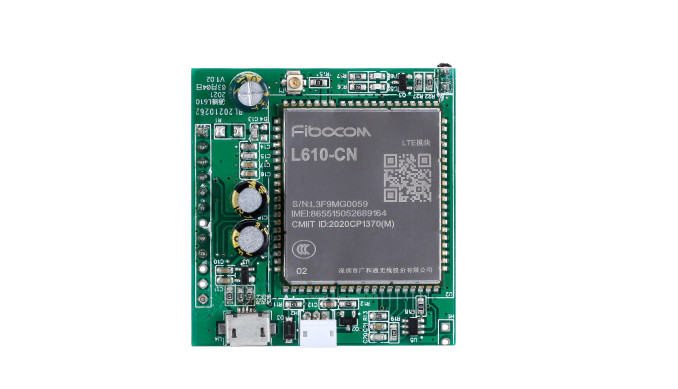
Project fit
Integration model
QuLink reads serial or RS485 data, maps project-specific fields, and sends normalized events to your backend.
Workflow
Share frame examples, register maps, or device documentation if available.
Define telemetry, faults, meter values, and result events your server needs.
QuLink sends normalized callbacks to your backend.
Test retries, online/offline state, and real machine fault cases.
API example
The exact command fields depend on machine interface, firmware profile, and whether payment or your own app triggers the action.
POST /webhooks/qulink
{
  "event": "meter.value",
  "device_id": "METER-14",
  "data": {
    "interface": "rs485",
    "energy_kwh": 18.42,
    "status": "running"
  }
}
Project RFQ
Send the machine model, RS485/serial documentation, sample frames, data fields, connectivity needs, and target server format.
If you are unsure about the exact interface, send what you have. Photos often answer more than a long spec.
FAQ
Documentation helps, but useful projects can also start from sample frames and real machine tests.
Yes. RS485 data upload can be combined with relay, pulse, or API command control when required.
Yes. The board can send webhook-style events or project-specific callbacks to your server.
Related use cases