Confirm payment flow
Decide whether PromptPay QR is handled by QuLink, your payment partner, or your own backend.
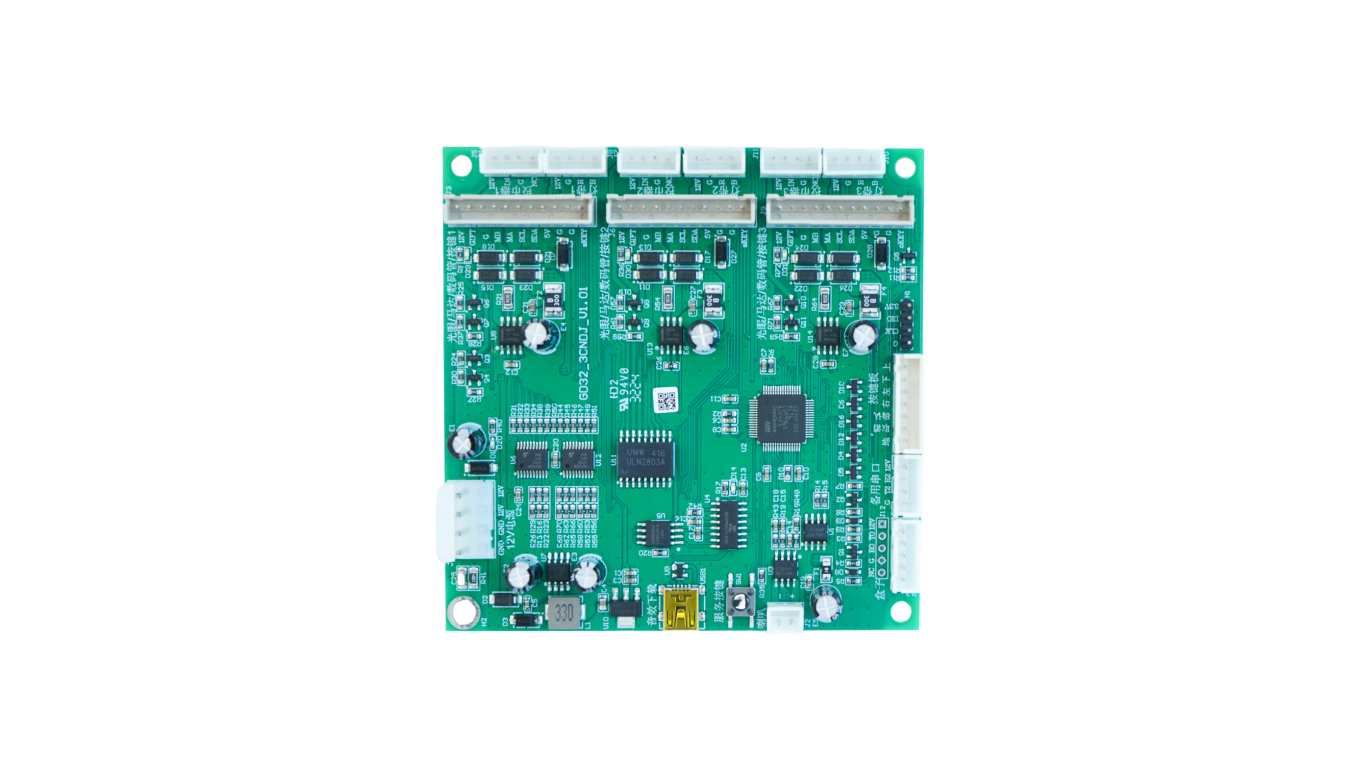
PromptPay QR machine payment hardware
Use QuLink when a Thailand machine project needs PromptPay QR payment approval to trigger a real machine action such as vend, relay, pulse, unlock, or timed start.
Project fit
Integration model
QuLink does not need to replace your payment provider. Your checkout or wallet callback can approve payment, then the QuLink controller executes the machine-side action and reports the result.
Workflow
Decide whether PromptPay QR is handled by QuLink, your payment partner, or your own backend.
Check MDB, pulse, relay, serial, RS485, or custom controller wiring from photos.
Define device ID, product, price, session duration, relay channel, or vend slot.
Validate the payment callback, machine action, timeout behavior, and result upload on one machine.
API example
The exact command fields depend on machine interface, firmware profile, and whether payment or your own app triggers the action.
POST /v1/devices/{device_id}/commands
{
  "command": "start_session",
  "source": "promptpay_qr_callback",
  "reference_id": "PAYMENT-REFERENCE",
  "machine_action": {
    "type": "relay_or_mdb",
    "duration_ms": 900000
  }
}
Project RFQ
Send the Thailand payment flow, machine photos, interface notes, target action after PromptPay QR payment, and expected rollout quantity.
If you are unsure about the exact interface, send what you have. Photos often answer more than a long spec.
FAQ
QuLink can discuss QR payment workflows, but many projects keep PromptPay QR with the customer's payment provider and use QuLink for the machine-side action.
Yes. Your backend can confirm payment first, then call QuLink to trigger the machine.
Send machine photos, current payment module photos, target payment flow, and the physical action needed after payment.
Related use cases