Retrofit the fleet without replacing every controller.
Add payment triggers, remote status, and fault visibility to existing vending, laundry, locker, or timed equipment.
Machine-side control and data hardware
QuLink provides the machine-side control layer for MDB, pulse, relay, serial, and RS485 equipment. Add optional QR payment triggers, API commands, telemetry, and fault reporting without rebuilding the whole machine.
Machine fit
Start from the machine you operate. The machine interface, not the industry, determines the board.
MDB vend, QR scan-to-start, and dispense results.
Explore vending solutionsPulse or relay start, timed sessions, and fault events when exposed by the machine.
Explore timed controlRelay unlock, door status when available, rental events, and heartbeat for unattended cabinets.
Explore locker controlCustom firmware, connectors, enclosure, and protocol handling for repeat builds.
Explore OEM optionsControl paths
Four common starting points. Sample testing confirms wiring, protocol behavior, and the exact board profile.
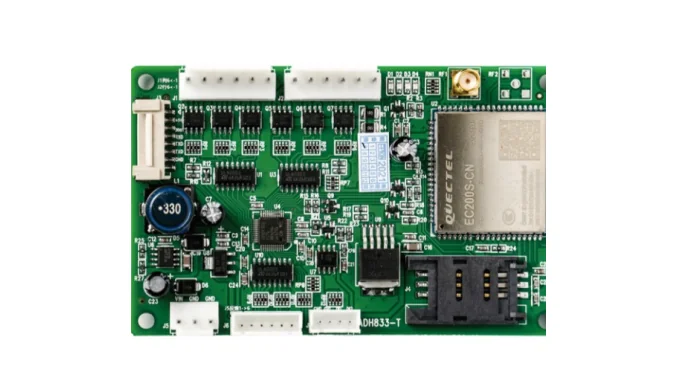
For vending and MDB equipment that needs vend commands, events, and cloud data.
View MDB gateway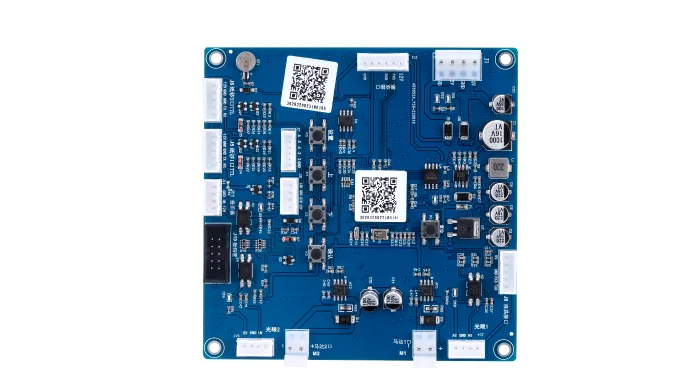
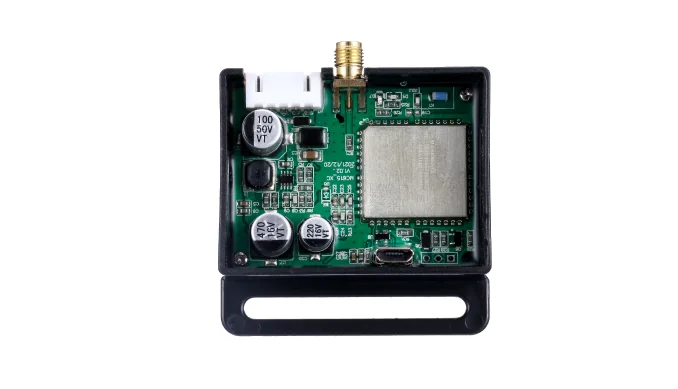
For scan-to-start workflows that unlock, dispense, start, or run a timed session.
View payment trigger board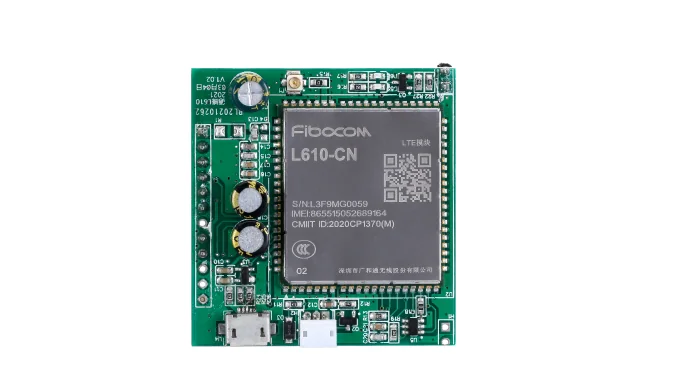
For machines that need status, sensor values, faults, or usage logs in your backend.
View data bridge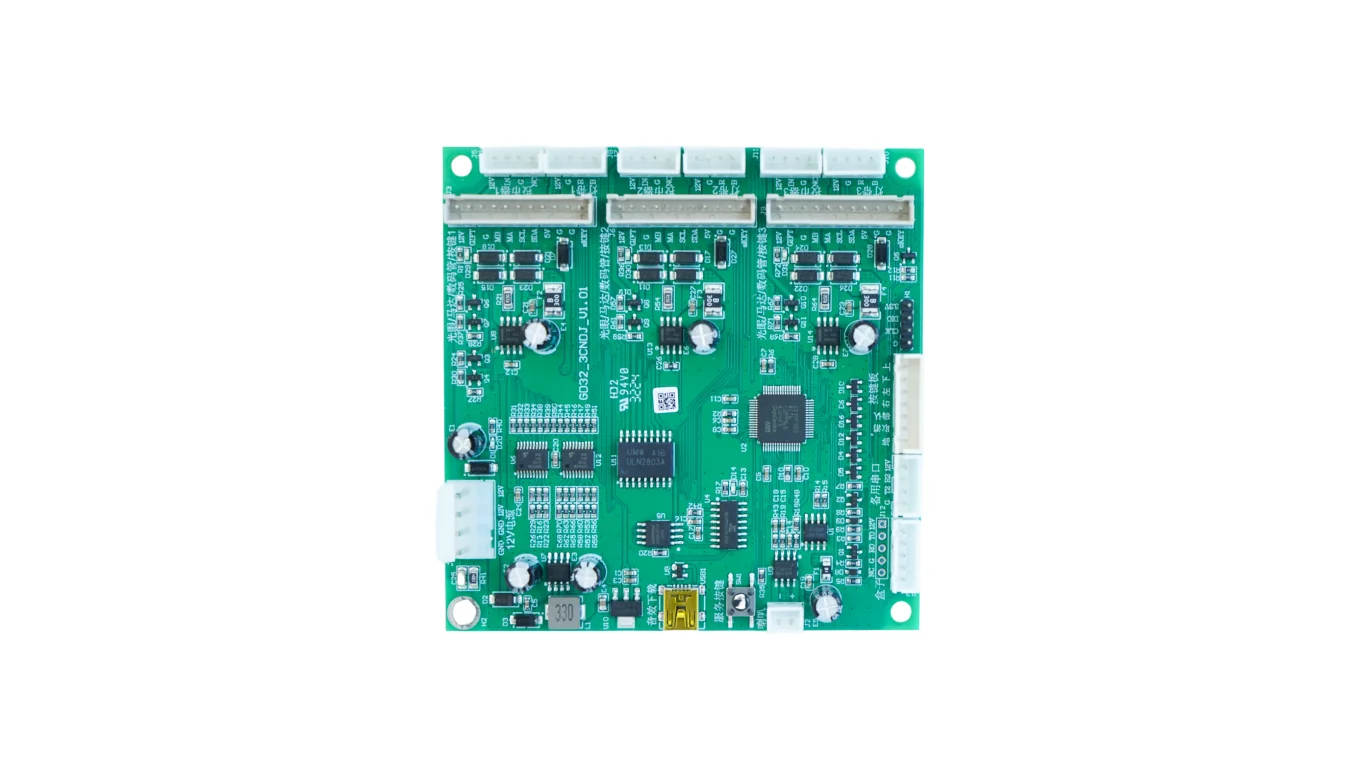
For coin machines, laundry, amusement, charging, and other timed equipment.
View pulse / relay controllerWho it fits
Check the fit before the project flow. QuLink is machine-side hardware; it connects to your platform without locking your data into a closed portal.
Add payment triggers, remote status, and fault visibility to existing vending, laundry, locker, or timed equipment.
Customize firmware, connectors, enclosure, and data format for a product line or export market.
Keep your checkout, wallet, or platform. QuLink handles the machine-side command and result callback.
MDB 4.2/4.3 is the target profile. Older versions and custom protocols require firmware review; available data and fault signals are confirmed during sample testing.
Project flow
Most projects begin with photos and a wiring check, not a full cabinet redesign.
Machine front, controller board, payment module, model label, and connectors.
Confirm MDB, pulse, relay, serial, or RS485 behavior and the action to trigger.
Validate commands, payment callback, vend result, faults, and reconnect behavior.
Lock firmware, wiring, enclosure, and event schema before the fleet deployment.
Use-case guides
Short technical guides for the most common starting points.
Compare MDB cashless, card reader, QR, and callback paths before choosing a board.
Read the guide TroubleshootingCheck power, SIM, antenna, MDB harness, and payment host before replacing the reader.
Read the guide MDBHow MDB commands, vend results, faults, and telemetry map to your server.
Read the guide QR paymentHow a payment callback becomes a relay, pulse, unlock, or dispense action.
Read the guide MDB guideCashless authorization, vend result, API control, and data over MDB.
Read the guide DataHow to move status, faults, usage, and sensor values into your own cloud.
Read the guideBuyer questions
Direct answers to the questions that usually decide whether a project moves forward.
What can be monitored, what the controller must expose, and how a data bridge reaches your own backend.
Read the answer Cashless costThe interface, reader, payment path, installation, and data scope that drive the quote.
Read the answerFAQ
The fastest way to a useful answer is a machine photo and the action you want after payment or an API command.
No. QuLink is machine-side control and data hardware. We can provide an optional QuLink QR payment workflow, but we are not a bank, acquirer, or closed payment portal.
Often yes. QuLink can add an independent machine-side status and data path while your reader and payment provider stay in place. The available signals depend on the reader and controller.
Machine model, controller and payment module photos, wiring or connector photos, the target action, and whether you need data upload. A photo is usually more useful than a long specification.
Yes. A typical pilot starts with one machine, a confirmed interface, sample testing, and a repeatable rollout profile.
Start a project
No obligation. Send what you have: machine model, board photo, payment module, or wiring note. We will reply with the likely path.