Keep the existing reader
The reader works and the machine already accepts cards. Add a board only when you need remote status, vend results, or an independent data path.
Vending cashless retrofit
To add cashless payment to a vending machine, first confirm whether the controller has an MDB cashless path, a pulse/relay input, or a serial interface. Then choose between keeping the existing reader, adding an MDB cashless board, or using a QR/API trigger. QuLink handles the machine-side action and returns vend results; payment acquiring stays with your provider. Machine-level verification is pending sample.
Part of MDB Vending Machine API Gateway
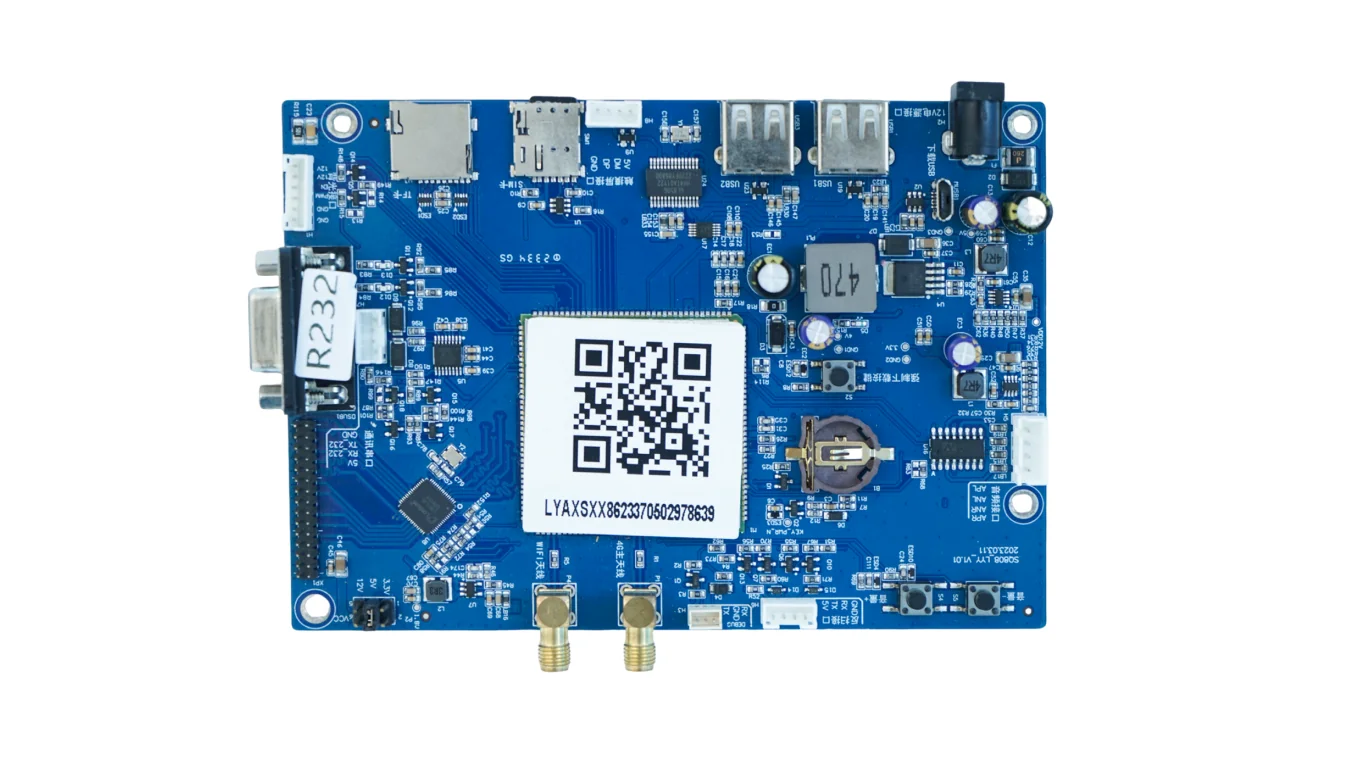
Payment paths
Start with the machine interface and the reader you already have. The right path is the one that keeps the machine stable.
The reader works and the machine already accepts cards. Add a board only when you need remote status, vend results, or an independent data path.
The vending controller has a standard MDB cashless path. The board handles vend authorization, events, and result upload.
Payment is approved by your app, wallet, or server, and the machine accepts a relay, pulse, MDB, or serial action.
The reader is old, 3G-only, or unstable. A new reader or integrated payment board may be cleaner than repairing it.
Before you choose
Confirm MDB, pulse, relay, UART/serial, RS485, or cabinet-controller wiring before choosing a board.
Check the reader model, power, MDB harness, SIM/antenna, and whether the reader is still supported.
Decide whether QuLink QR payment, your PSP, or an existing reader will confirm payment.
Define vend success, failure, timeout, fault, and telemetry events you need in your backend.
Retrofit flow
Machine front, controller board, payment module, model label, and connectors.
MDB cashless, QR/API trigger, pulse/relay, or a new reader.
Validate payment, vend, timeout, failure, and result reporting.
Lock firmware, wiring, enclosure, and event schema before the fleet.
Where QuLink fits
Interfaces and data
FAQ
Often yes. If the controller exposes an MDB cashless path, pulse/relay input, or serial interface, the retrofit can start there. Photos and a sample test confirm the path.
Keep it when it is stable and supported. Add a machine-side board if you need vend results, telemetry, or an independent status path. Replace it when it is old, 3G-only, or unreliable.
MDB cashless uses the vending controller's cashless path. A QR/API trigger can use relay, pulse, serial, or MDB to start the machine after your app or server approves payment.
QuLink can provide an optional QR payment workflow. You can also keep your own PSP, wallet, or card reader and use QuLink only for the machine-side action and result.
Machine model, controller and payment module photos, wiring notes, country, and the action after payment. A photo is usually more useful than a long spec.
Project RFQ
Send the vending machine model, controller and payment module photos, country, and the action that should happen after payment.
If you are unsure about the exact interface, send what you have. Photos often answer more than a long spec.
Related use cases