Confirm machine interface
Check MDB, pulse, relay, serial, or cabinet-controller wiring from photos.
Coffee vending control
Use QuLink when a coffee vending machine, bean-to-cup machine, or self-service coffee kiosk needs payment approval to trigger drink selection, brewing, dispensing, or a timed session.
Part of MDB Vending Machine API Gateway
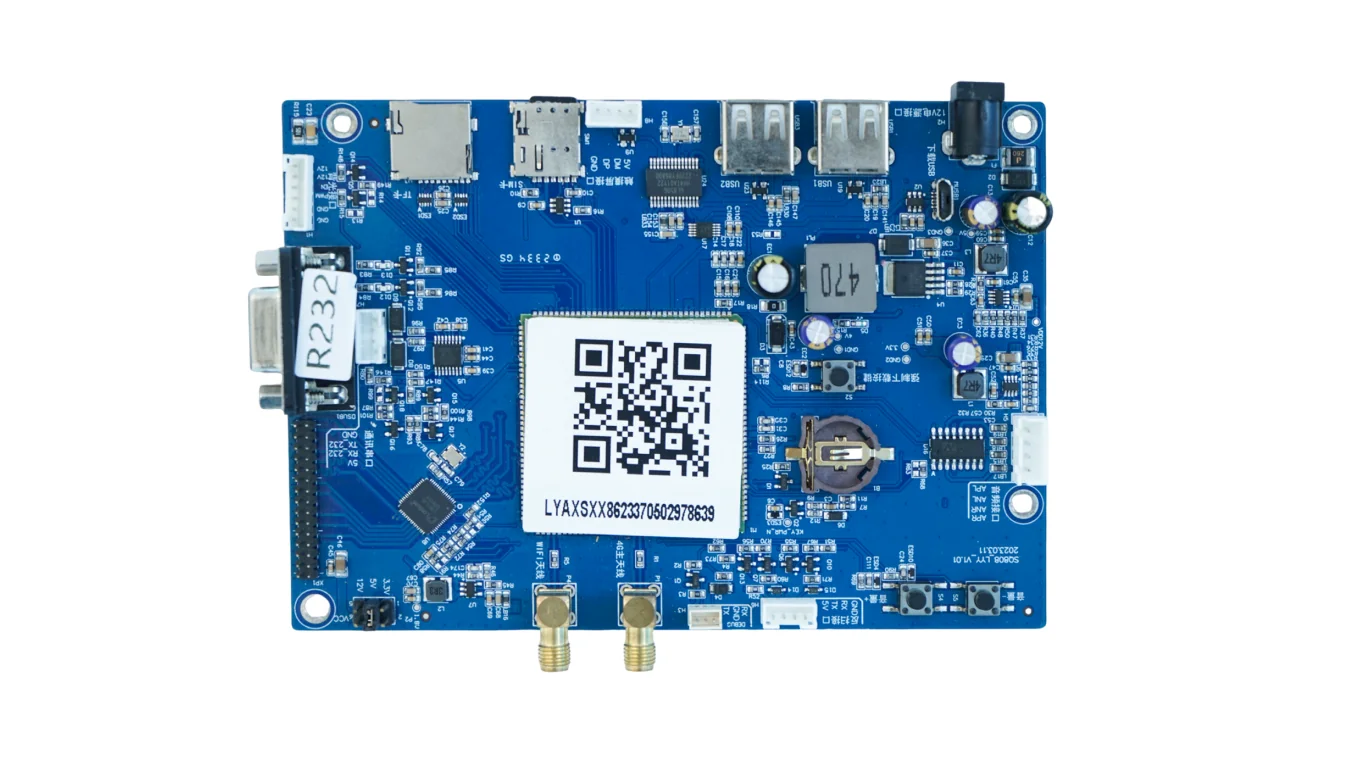
Project fit
Integration model
QuLink maps payment or app approval to the coffee machine interface, then reports drink result, fault, and status to your backend.
Workflow
Check MDB, pulse, relay, serial, or cabinet-controller wiring from photos.
Define product IDs, prices, cup size, recipe selection, and timeout behavior.
QuLink sends the selected drink or brew command after payment or app approval.
Your backend receives drink result, fault, and usage events.
API example
The exact command fields depend on machine interface, firmware profile, and whether payment or your own app triggers the action.
POST /v1/devices/COFFEE-12/commands
{
  "command": "start_session",
  "source": "qr_payment",
  "reference_id": "COFFEE-ORDER-012",
  "machine_action": {
    "type": "drink",
    "product": "latte"
  }
}
Project RFQ
Send coffee machine photos, controller and payment module photos, interface notes, drink menu, target payment flow, and quantity.
If you are unsure about the exact interface, send what you have. Photos often answer more than a long spec.
FAQ
That depends on the machine interface. MDB, serial, or cabinet-controller profiles may support product selection; simpler relay machines may only start a fixed cycle.
Yes, when the machine exposes a compatible MDB path. The sample test confirms vend behavior and event reporting.
Yes. Your app or backend can authorize a drink without a payment step, or combine payment and authorization.
Yes, when the machine exposes the necessary signals or controller events.
Related use cases