Confirm start input
Check whether the bay controller uses relay, pulse, coin input, button signal, or serial control.
Car wash control
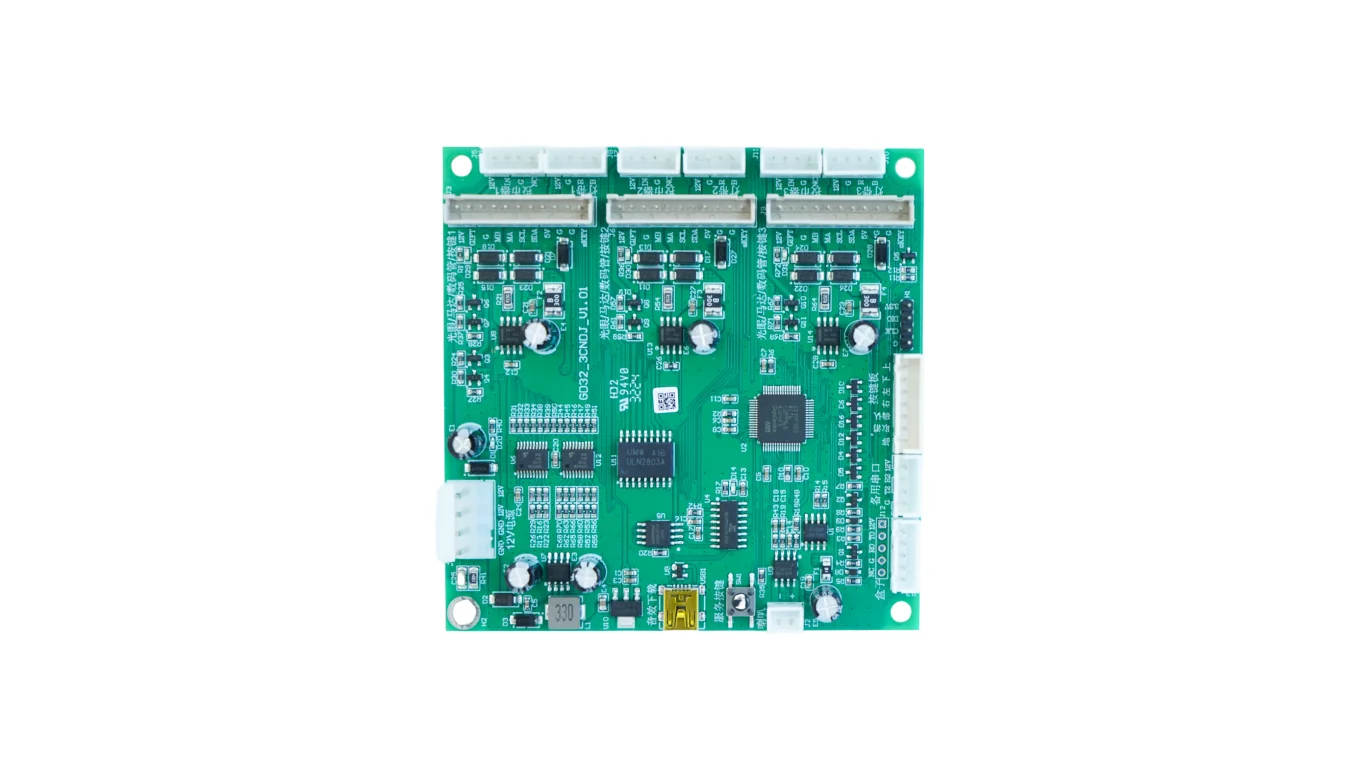
QuLink's car wash controller starts a bay through a relay or pulse output, runs a timed session, and returns session and fault events. The 12V/24V control signal and start input are confirmed per bay; verification is pending sample.
Part of Pulse Relay Controller for Laundry and Timed Machines
Project fit
Integration model
QuLink maps QR payment or server approval to the wash controller start input, relay channel, or pulse path, then reports session and device status back to your platform.
Workflow
Check whether the bay controller uses relay, pulse, coin input, button signal, or serial control.
Define bay ID, price, duration, start/stop behavior, and whether extension is allowed.
QuLink activates the output after payment or server approval and tracks the timer.
Your backend receives start, completion, fault, and usage events.
API example
The exact command fields depend on machine interface, firmware profile, and whether payment or your own app triggers the action.
POST /v1/devices/WASH-BAY-03/commands
{
  "command": "start_session",
  "source": "qr_payment",
  "machine_action": {
    "type": "relay",
    "channel": 2,
    "duration_ms": 480000
  },
  "reference_id": "WASH-ORDER-103"
}
Project RFQ
Send the wash bay controller photo, wiring notes, start signal type, session duration, target payment flow, and rollout quantity.
If you are unsure about the exact interface, send what you have. Photos often answer more than a long spec.
FAQ
Often yes if the timer accepts a relay, pulse, or dry-contact start signal. Photos of the controller and wiring are the first step.
Yes. A QR code can map to a bay ID, price rule, duration, and relay channel.
Yes. Session start/completion, online status, and available fault signals can be sent to your server.
Yes. Your app or payment provider can approve payment and call the QuLink command API.
Related use cases